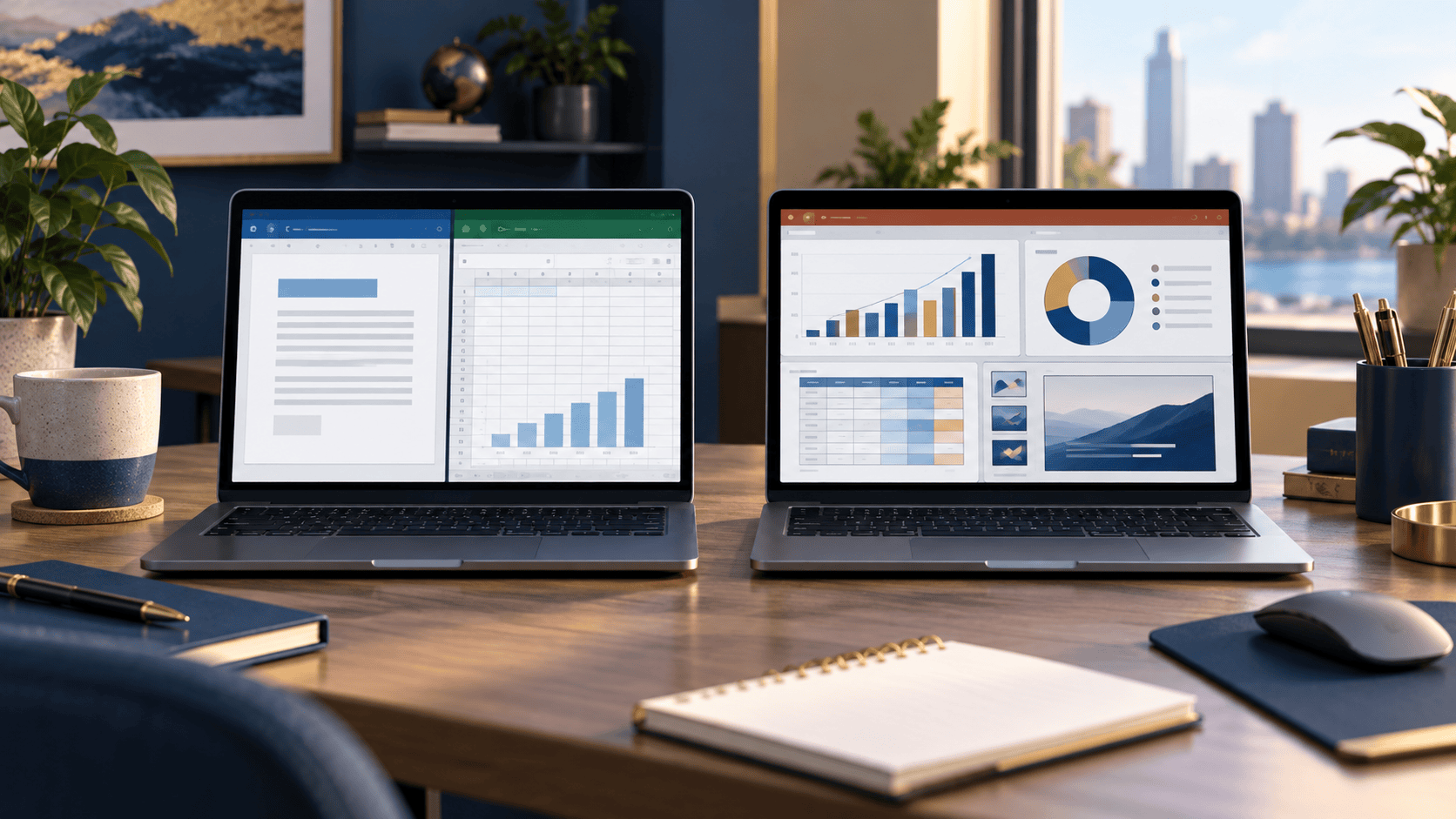
Office 2019 vs Office 2021: What’s Actually Different?
Compare Office 2019 and Office 2021 Professional Plus, from Excel’s XLOOKUP and dynamic arrays to file compatibility and support dates.


Imagine two workplaces. At the first, employees on different shifts use the same reception computer. At the second, each employee connects from a work laptop, and some also connect from another device. Both teams use Remote Desktop Services (RDS), but they may be better suited to different types of RDS Client Access License (CAL).
The choice comes down to what you need to license: the people connecting or the devices they connect from. Here is how to decide without getting lost in licensing jargon.
An RDS User CAL is assigned to a user. It is generally the model to consider when a person needs to access an RDS session host from more than one device—for example, a work desktop and a laptop.
An RDS Device CAL is assigned to a device. It is generally the model to consider when several people use the same computer to access RDS, such as a shared workstation used across shifts.
Neither choice is automatically better. The useful question is: Do you have fewer people needing access, or fewer devices used to connect? Count the users and devices in your actual setup, then check the applicable Microsoft licensing terms.

Consider an employee who sometimes connects from an office desktop and sometimes from a laptop. A per-user model follows that employee rather than requiring you to evaluate each connecting device as the licensing unit. This can be a natural fit for teams whose members use their own dedicated devices or work from different locations.
Before choosing this option, count every user who needs access—not just the people signed in at the busiest moment. Your administrator should also track per-user CAL usage and confirm that the deployment is configured for the correct licensing mode.
Picture a reception desk, training room, or shift-based workplace where several employees use the same PCs. A per-device model may fit better because the CAL is assigned to the connecting computer rather than to each person who uses it.
Count all devices that will connect to the RDS session host. If employees also connect from personal laptops or other computers, those devices matter when comparing the two models. A shared-PC example is a starting point for the decision, not a substitute for checking your full deployment.
No—User and Device describe what is licensed. A pack described as 50 User CALs should be assessed against the number of users requiring access; a pack described as 50 Device CALs should be assessed against the number of connecting devices. Do not base the purchase only on your peak number of simultaneous connections.
The CAL version must be compatible with the Windows Server RDS session host. According to Microsoft’s RDS CAL documentation, a Windows Server 2022 RDS CAL can be used with a 2022 or earlier session host, but not a Windows Server 2025 session host. A Windows Server 2025 RDS CAL can be used with a 2025 or earlier session host. The RD Licensing server must also support the CAL version being installed.
That makes the server version just as important as the User-versus-Device decision. Check your session host and licensing server before selecting a product.
Start with four practical questions:
If people commonly connect from several devices, compare the per-user option. If multiple people regularly share a smaller pool of computers, compare the per-device option. Remember that an RDS CAL addresses RDS access; it should not be assumed to include the Windows Server license or every other license your deployment may require.
Zenokey has separate listings for Windows Server 2022 RDS 50 User CALs and Windows Server 2022 RDS 50 Device CALs. For a 2025 session host, compare the Windows Server 2025 RDS 50 User CALs and Windows Server 2025 RDS 50 Device CALs.
If your user count, device count, or existing licensing is unclear, confirm the configuration with your IT administrator before purchasing. A few minutes spent mapping who connects—and from where—can prevent choosing the wrong CAL type or version.
Compare Office 2019 and Office 2021 Professional Plus, from Excel’s XLOOKUP and dynamic arrays to file compatibility and support dates.
Windows 11 Home or Pro? Compare the features that matter—BitLocker, Remote Desktop, business management and PC requirements—so you can choose the right edition for your device.