
RDS User CAL vs Device CAL: Which Should You Choose?
Imagine two workplaces. At the first, employees on different shifts use the same reception computer. At the second, each employee

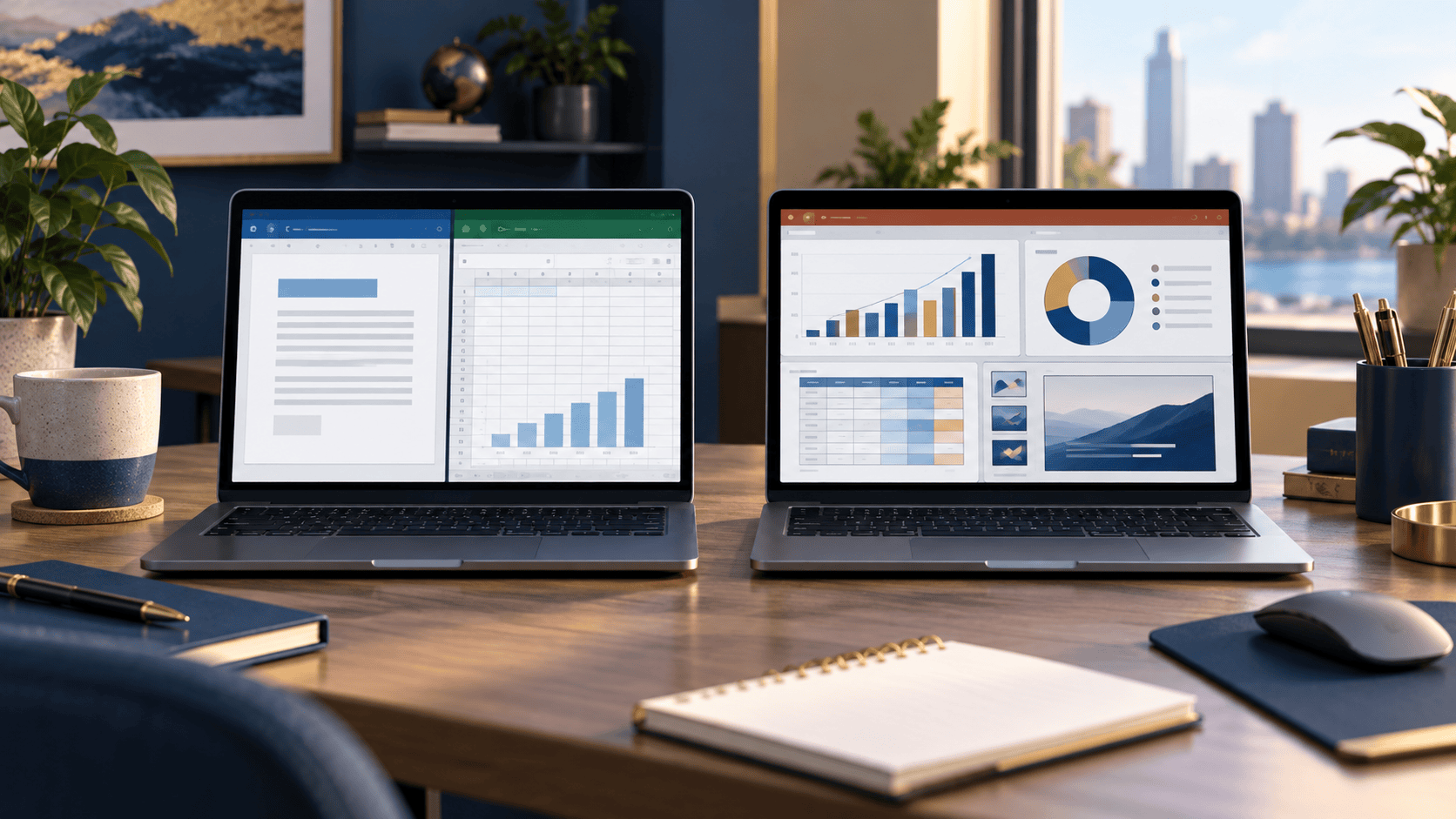
If your day is mostly documents, presentations and email, Office 2019 and Office 2021 may feel similar. Both are versions of the familiar desktop Office suite. The differences become more important when you work heavily in Excel, exchange files with other people, or need a version that still receives Microsoft support.
Here’s what matters when comparing Office 2019 Professional Plus with Office 2021 Professional Plus—without treating a newer release as an automatic upgrade for everyone.
Office 2021 adds useful Excel capabilities that Office 2019 lacks, notably XLOOKUP and dynamic arrays. For straightforward writing, presentations and routine spreadsheets, the practical difference may be smaller. Support dates are now a major consideration: Office 2019 is already out of support, and the Office 2021 family reaches end of support in October 2026.
Both Zenokey listings describe a one-PC, one-time-purchase product key for a Windows PC. Check the exact listing and your computer’s requirements before ordering; a one-time purchase is not the same thing as indefinite software updates.
The clearest reason to choose Office 2021 is a spreadsheet you actually use—not a longer list of features you might never open.
Suppose you maintain a product list and regularly need to find a price from a product code. Excel 2021’s XLOOKUP can search one range and return a matching value from another. It can also return values from a column to the left of the search column, which makes some lookups easier to build and maintain. Microsoft confirms that XLOOKUP is not available in Excel 2019.
Excel 2021 also introduces dynamic arrays. Functions such as FILTER, SORT and UNIQUE can return multiple results from one formula. That is useful when, for example, you want a list of matching orders or a distinct list of customer names that updates as the source data changes. Microsoft’s Office 2021 feature guide describes these additions.

If your spreadsheets use basic calculations and established formulas, those additions may not change your daily work. But if colleagues send you workbooks built with newer functions, version choice matters. A file can open in an older version without every newer formula working as its creator intended. Test a representative workbook before changing versions across a team.
Neither release requires you to relearn how to write a document or build a presentation. Both are desktop Office releases designed around familiar productivity tasks. They are also distinct from a Microsoft 365 subscription: buying a perpetual Office release does not bring an ongoing stream of new subscription features. Microsoft explains the distinction between one-time-purchase Office and Microsoft 365.
For a single PC with an established workflow, the Office 2019 Professional Plus listing may look familiar and meet the feature needs of older files. The important qualification is its support status, not whether it suddenly stops opening documents.
Microsoft support for Office 2019 ended in October 2025. The Office 2021 family reaches end of support in October 2026; the exact date depends on the edition. Microsoft publishes these dates in its Office 2019 lifecycle and Office LTSC 2021 lifecycle notice.
End of support does not mean a one-time-purchase license automatically expires. It means you should no longer plan around the normal stream of Microsoft security updates, fixes and technical support after the applicable end date. That distinction matters particularly for a business PC or any computer that regularly handles files from other people.
Before you decide, check your Windows compatibility, any important add-ins or macros, and one or two real files you exchange with others. You can also compare Zenokey’s Microsoft Office product range to see which listed edition best matches your workflow.
Imagine two workplaces. At the first, employees on different shifts use the same reception computer. At the second, each employee
Windows 11 Home or Pro? Compare the features that matter—BitLocker, Remote Desktop, business management and PC requirements—so you can choose the right edition for your device.