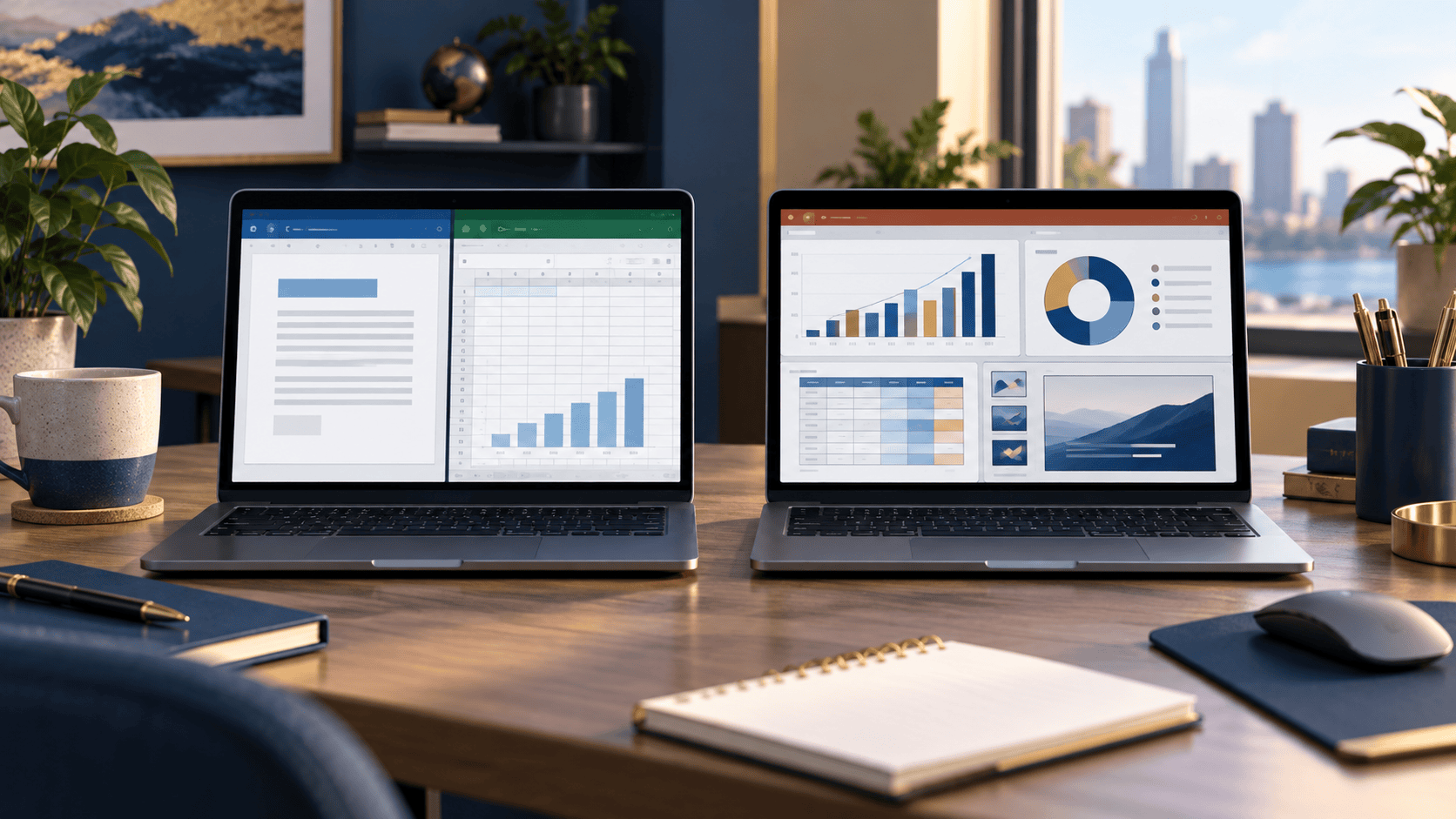
Office 2019 vs Office 2021: What’s Actually Different?
Compare Office 2019 and Office 2021 Professional Plus, from Excel’s XLOOKUP and dynamic arrays to file compatibility and support dates.

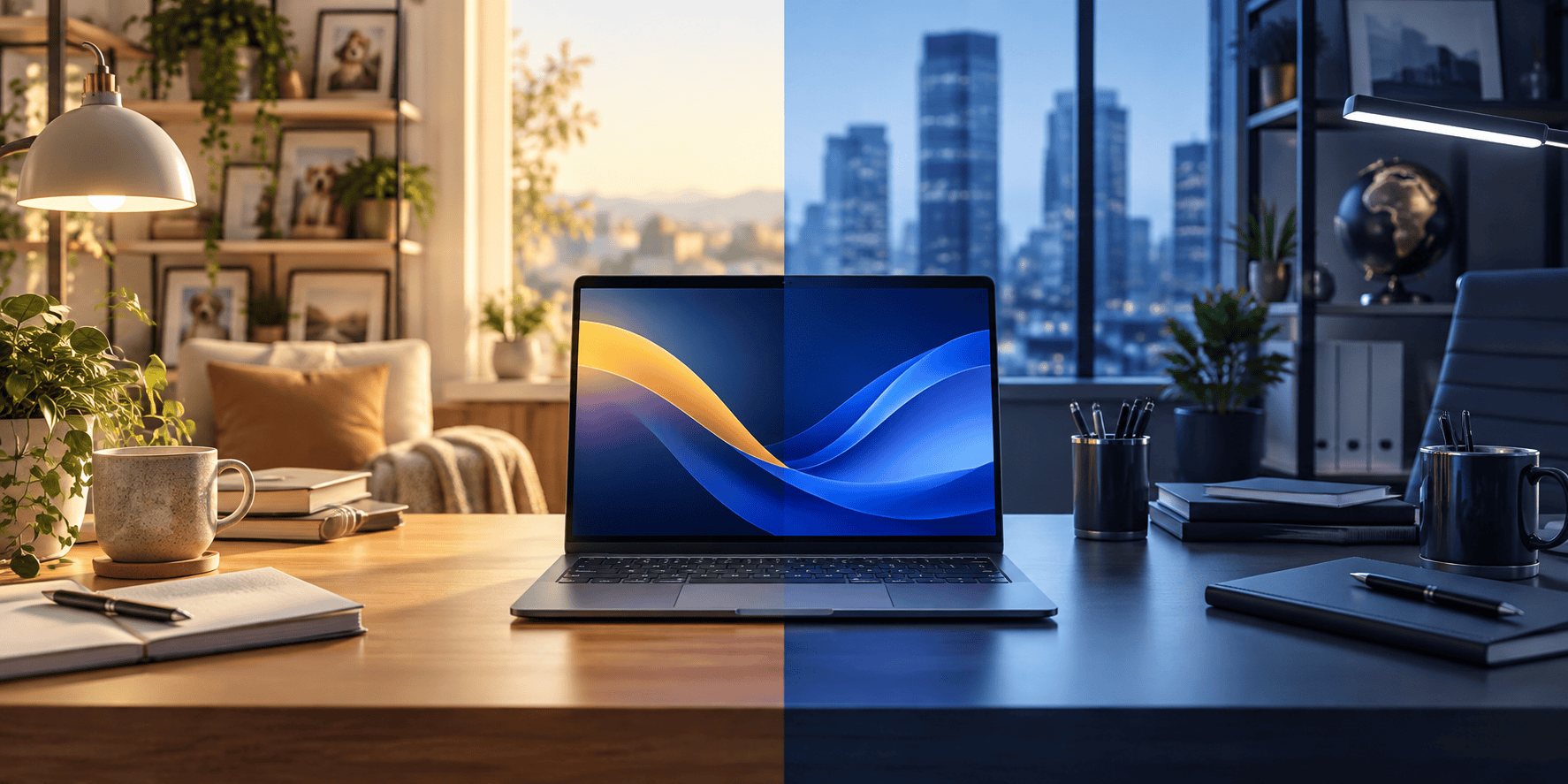
Choosing between Windows 11 Home and Pro is not about finding the “better” Windows. It is about paying for the tools you will actually use. Both editions cover the familiar desktop, everyday apps, gaming and core security. Pro adds controls that matter most on a work PC or a computer managed by an organization.
| What matters | Windows 11 Home | Windows 11 Pro |
|---|---|---|
| Best fit | Personal, family and student PCs | Work PCs and devices needing advanced management |
| Drive encryption | Device Encryption may be available on eligible hardware | BitLocker Drive Encryption, subject to device requirements |
| Remote Desktop | Can connect to another PC | Can connect and act as a Remote Desktop host |
| Organization features | Not designed for domain-managed PCs | Supports domain or Microsoft Entra ID joining and Group Policy |
If none of the Pro-only features solves a real problem for you, Home is usually the simpler choice. Pro does not, by itself, make web browsing, streaming or office work faster.
Home is a good fit for a PC used for schoolwork, video calls, browsing, gaming, photos and household admin. You still get Windows 11’s everyday experience and built-in protections. If your employer does not require the computer to join its network or use a specific management tool, you may never miss the Pro extras.
One point worth checking: some compatible Home PCs offer Device Encryption, but availability depends on the hardware and setup. Do not assume every Home device has the same encryption options. If full BitLocker management is a requirement, look at Pro instead.
For a personal PC, see the Windows 11 Home product key and check the listing against your device before ordering.
Pro is useful when a particular work feature is on your checklist—not simply because “Pro” sounds more powerful. Its main advantages are practical:

If those needs sound familiar, compare the Windows 11 Pro product key. If not, Home may give you everything you need without paying for unused features.
Home and Pro have the same baseline Windows 11 hardware requirements. Windows 11 is 64-bit only. Microsoft lists a compatible 64-bit processor, at least 4 GB of RAM, 64 GB of storage, UEFI Secure Boot capability and TPM 2.0 among the requirements. Features such as BitLocker and Hyper-V can have additional requirements. Check Microsoft’s Windows 11 system requirements and your PC manufacturer’s guidance rather than judging by the computer’s age alone.
Also check the edition currently installed under Settings → System → About. A product key for Home is not interchangeable with one for Pro; the installed edition and your intended activation or upgrade path need to match.
Microsoft ended standard support for Windows 10 on October 14, 2025. A compatible PC can still run it, but reaching the end of support is different from a perpetual license expiring. If you are considering Windows 11, check hardware eligibility and whether any applications or peripherals you rely on have a supported path forward.
The short answer: choose Home for a typical personal PC; choose Pro when you can name the business, security or remote-access feature you need. You can compare the available editions in Zenokey’s Windows product range.
Compare Office 2019 and Office 2021 Professional Plus, from Excel’s XLOOKUP and dynamic arrays to file compatibility and support dates.

Imagine two workplaces. At the first, employees on different shifts use the same reception computer. At the second, each employee