Office 2019 vs Office 2021: What’s Actually Different?
Compare Office 2019 and Office 2021 Professional Plus, from Excel’s XLOOKUP and dynamic arrays to file compatibility and support dates.

It is not difficult to search for the download link of Windows Enterprise or Windows Enterprise LTSC on the internet. If you download it from the Microsoft Evaluation Center page, you will get a copy of the Evaluation version. You probably don’t know that you can not use a product key to activate Windows Evaluation. You need to convert it to the Full version first. To do this, just follow the instructions below.
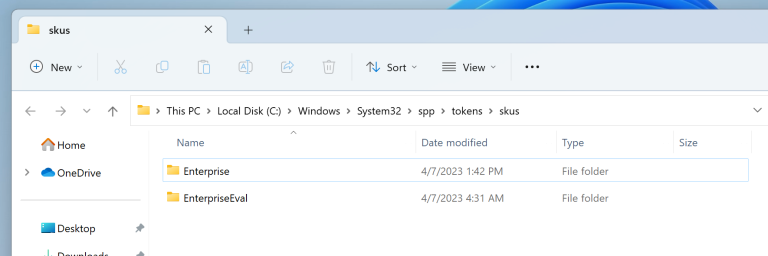
Step 1: Open the skus folder in the C drive.
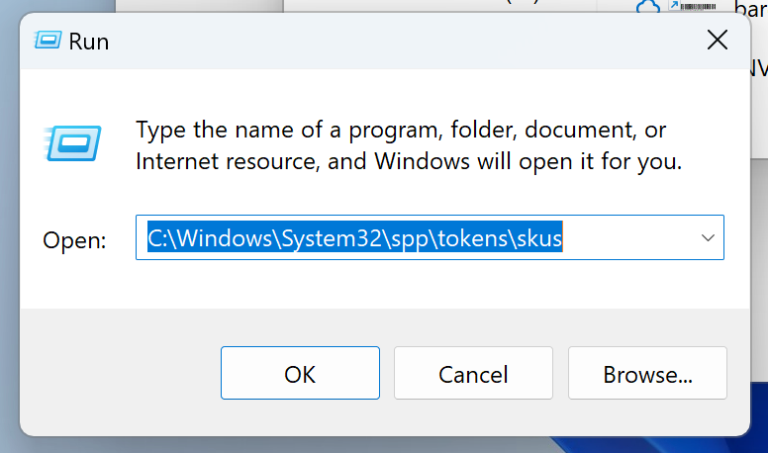
Use hotkey [Windows + R] to open Run then enter in the address bar: C:\Windows\System32\spp\tokens\skus
If you installed Windows on another drive, just replace C with the drive letter of that one.
Step 2: Get the latest SKUs for your Windows here
https://tinyurl.com/Enterprise-download-zenokey
then extract the archive file. And copy the folder Enterprise to the skus folder in step 1.
Click Yes if prompted.
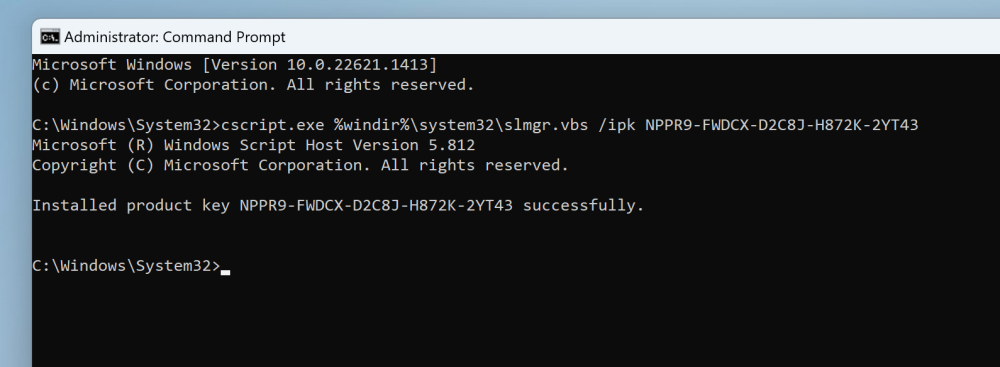
Step 3: Open cmd app with administrator privileges then run all the commands below.
cscript.exe %windir%\system32\slmgr.vbs /rilc
cscript.exe %windir%\system32\slmgr.vbs /upk >nul 2>&1
cscript.exe %windir%\system32\slmgr.vbs /ckms >nul 2>&1
cscript.exe %windir%\system32\slmgr.vbs /cpky >nul 2>&1
cscript.exe %windir%\system32\slmgr.vbs /ipk PRODUCTKEY

sc config LicenseManager start= auto & net start LicenseManager
sc config wuauserv start= auto & net start wuauserv
Replace PRODUCTKEY with corresponding key below.
Enterprise: NPPR9-FWDCX-D2C8J-H872K-2YT43
Enterprise LTSC: M7XTQ-FN8P6-TTKYV-9D4CC-J462D
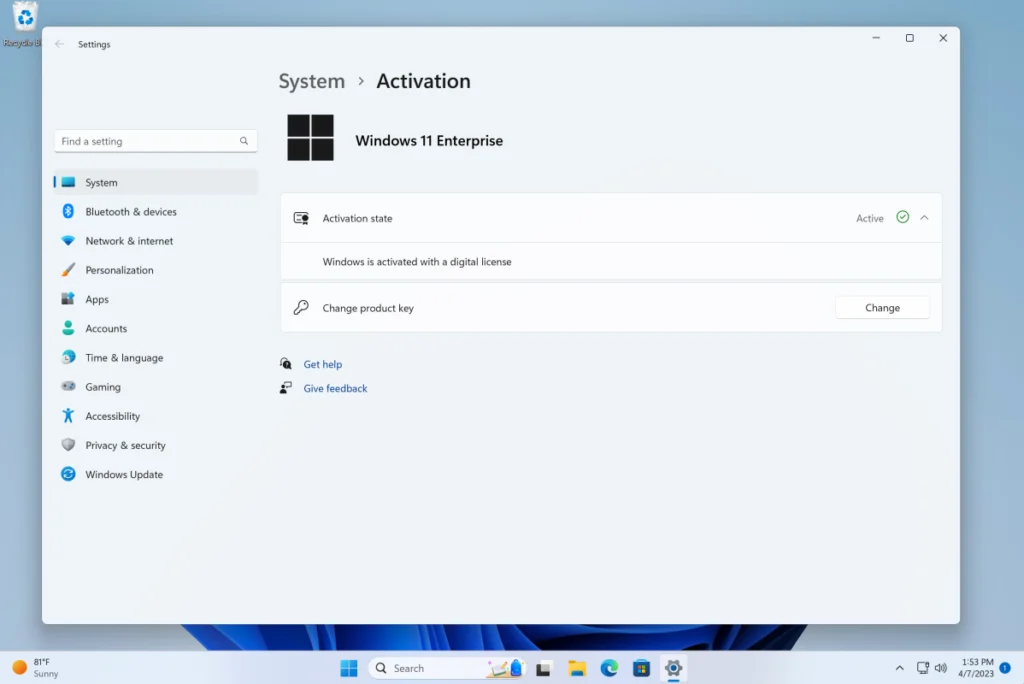
Now Restart PC go to Activation Setting then apply your purchased windows Enterprise key. you can purchase here
Done! You can double-check the system info now.
Compare Office 2019 and Office 2021 Professional Plus, from Excel’s XLOOKUP and dynamic arrays to file compatibility and support dates.

Imagine two workplaces. At the first, employees on different shifts use the same reception computer. At the second, each employee